
I built the Android TV app I always wanted in a weekend without knowing Kotlin. Here is how AI made it possible.
Back in January 2025, I shared a massive post about how I set up my own Google Photos alternative using an exceptional Open Source project called Immich.

I’m still enjoying its virtues, but for the longest time, I suffered from its one major flaw: the lack of a (good) native TV client. Immich looks phenomenal on a computer or smartphone, but if you want to view family photos on the big screen, you hit a wall. My workaround involved a long HDMI cable or casting a Chrome tab from my MacBook Air — functional, but far from ideal.
The Problem. I wanted a native Android TV/Google TV experience to navigate my library seamlessly. There was a glimmer of hope in the form of the Immich Android TV project. The developer, giejay, is quite active, but the app lacked two features essential for my sanity: a Timeline and Favorites management.
Without a timeline, finding a photo from 2015 meant scrolling linearly through 140,000 images (that’s the size of my photo library) starting from today. That’s not browsing; that’s an endurance sport.
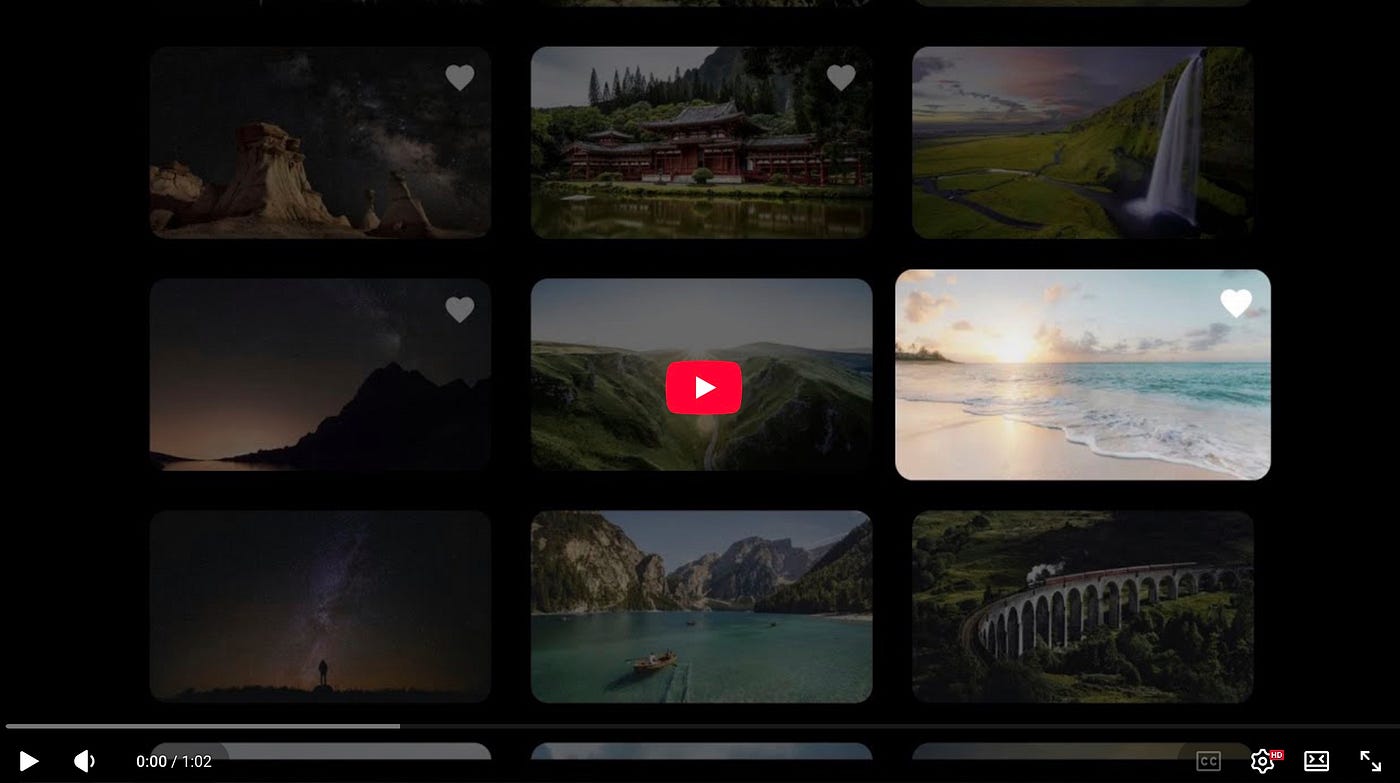
So what I did is a fork of the official Immich Android TV project and, with AI as a coding assistant, I added a few features that I wanted to add to that project. It would have been impossible for me otherwise, but AI allows (almost) anyone to transform his ideas for an app into a reality. And if there’s an Open Source project already created, like in this case, that concept is even more powerful. Here’s the result in a little video:
The Solution: Taking the Bull by the Horns
I had some vacation days saved up, so I decided to fork the project and build the version of Immich Android TV I actually needed. The result?
- A Proper Timeline: I can now jump through years and months instantly. Navigating to a specific month in 2015 takes seconds. Using Immich on TV is finally pure Valhalla.

- A Cleaner UI: I added options to hide filenames (which I hate seeing) and adjust the grid to show 3, 4, or 5 columns (the official app is locked to four). I also rounded the thumbnail corners and improved spacing. It still needs polish, but it looks much better.
- Favorites Sync: I can now long-press the center button on the remote to toggle a photo as a “Favorite.” This syncs instantly with the server, so changes appear on my phone and web versions immediately. Valhalla Part 2.

- A New Settings interface: the official settings interface seems a little off and ugly imho, so I tried to redesign and apply that design to the app. The result is not amazing, but it was done in just 30 minutes and works well.

- Visual Tweaks: Small details, like adding a “Play” icon to video thumbnails. It’s an easy way to identify and differentiate that content as a video.

The Twist: I Didn’t Write the Code
The difference isn’t just aesthetic — it’s functional. But here is the kicker: I didn’t write these changes. Artificial Intelligence did. Although I’ve experimented before (like with my little card game counter [post in Spanish]), this was the big leagues. Here is exactly how I did it:
- The Setup: I combined several tools and chatbots and I changed from one to another on different phases. I started by installing Droid CLI and I configured an OpenAI Compatible token that I had which gave me access to gpt-5.1. I also installed Android Studio to be able to run an emulator (a “1080p TV”) to see how the changes were working after each compilation/build.

- The Brains: Later on the project I started using Gemini 3 (mostly the Thinking, but Fast also worked). From time to time I used Claude Sonnet 4.5 (the free version at claude.ai) and I even tried Kimi K2 and Deepseek v3.2 but I didn’t like that much their speed and responses, so I went back to Gemini 3. I’d say 80% of the code was from this AI model. I’m testing the Ultra account there, so I never got the typical “You have to wait X hours to continue using Gemini”.
- The Process: At the very beginning I asked the AI how to fork the repository and clone it to my Mac mini M4. Once Droid CLI could “see” the code, I just started chatting. With Gemini 3 the process was the same: on one window a macOS terminal with my working directory, on the other the browser with Gemini 3 running. I asked Gemini things, it gave me some code, and I edited the project files with nano and compiled. If there were errors, I just copy-pasted the output to Gemini. If the thing worked but not as I expected, I chatted with Gemini and explained everything properly, sometimes including screenshots.

- The SuperTool: With Claude Code there are agents and tools integrated that ask permission to edit and execute files and you can sit and relax, but I just had $10 in Anthropic API tokens and althought it’s marvellous to see it working, this becomes a little expensive quickly and I webt back to the Gemini 3 model (copy-paste).

- “Vibe Coding”: The incredible thing here is that I simply asked for things in plain text. When the AI wrote the code, I tested it. If it broke, I pasted the error back to the AI, and it fixed it. Rinse and repeat.

- The Experience I have a CS degree, but I barely ever write real code as I work as a tech journalist. I don’t know Kotlin, Gradle, or XML. I was completely out of my depth, but I trusted the AI. And wow, does it know its stuff.
The first day, I got the Timeline working in a single morning. It was ugly, but functionally perfect. For the design, I used Stitch (via Google Labs) and Nano Banana Pro. I uploaded a screenshot and prompted: “Redesign this to be clean, elegant, dark mode, and avoid blocky rectangles.” The result was surprisingly slick… and not really doable.

I tried for a few hours, but every AI model got stuck with a navigation problem I couldn’t resolve. I went back to Stich andasked for another iteration with a sidebar navigation for years/months. I uploaded that image to Gemini and I had the new design for the timeline (the one I shared before) workign in a little over an hour.

The hardest part was the Favorites management. My custom client had to communicate with the Immich server to sync changes. As I said, gpt-5.1 actually struggled here, so I tagged in Gemini 3 (and occasionally the free web version of Claude 4.5 Sonnet) to cross the finish line.
Why This Matters: I found myself using Android Studio and the emulator to watch my app evolve in real-time. I didn’t even need to move APKs around; a simple command (./gradlew installDebug) compiled and pushed the app to the device instantly.
I will probably forget how to do this by tomorrow. But that doesn’t matter, because I can just ask Gemini or gpt-5.1, and they will remind me. You don’t just stop thinking; you stop needing to remember.
It’s scary, but incredible.
Conclusion
I read about “vibe coding” all the time, but doing it is a different beast. If an app doesn’t do what you want, you can now program it yourself with AI. If you have the patience to prompt and test, you can build the unimaginable in a weekend.
I’ve uploaded the code to my GitHub repository — a place I usually only visit to lurk, but now actually contribute to.
Full credit goes to the original developer, giejay, and the AI. I plan to share my changes with him (GitHub doesn’t really work as a social network for developers, contacting them is usually difficult); maybe they’ll make it into the official release. But for now, one thing is even more obvious than before for me: AI is going to change everything.